How to Sell a Game on Steam: Complete Guide for Indie Developers 2026
Learn how to sell your game on Steam with this complete guide. From Steamworks setup to launch day marketing, discover everything indie developers need to know about Steam Direct, revenue splits, and store page optimization.
Selling your game on Steam is the dream for many indie developers. With over 120 million monthly active users, Steam is the largest PC gaming platform in the world. But getting your game from development to launch on Steam requires navigating Steamworks, understanding revenue splits, and optimizing your store page for maximum visibility. This complete guide walks you through every step of selling your game on Steam in 2026.
Why Sell Your Game on Steam?
Steam dominates the PC gaming market with a 75% market share. For indie developers, this means access to a massive audience of active gamers who are ready to buy. Steam’s recommendation algorithms can surface your game to players who are genuinely interested in your genre, and features like Steam Wishlists help you build anticipation before launch.
Beyond reach, Steam provides robust tools for developers. Steamworks offers integrated multiplayer, matchmaking, achievements, cloud saves, and automatic updates. The platform handles payment processing in over 35 currencies, manages VAT and sales tax compliance globally, and provides detailed analytics about player behavior and sales performance.
However, Steam isn’t the only option. Alternative platforms like itch.io offer higher revenue shares (itch.io lets you choose your cut), Epic Games Store provides better splits (88/12), and direct sales through your own website give you complete control. Understanding these trade-offs is crucial before committing to Steam as your primary distribution channel.
Step 1: Set Up Your Steamworks Account
Before you can sell anything on Steam, you need a Steamworks account. Steamworks is Valve’s developer platform that handles everything from game uploads to sales analytics. Head to partner.steamgames.com and sign in with your existing Steam account or create a new one.
You’ll need to complete identity verification, which requires providing tax information and banking details. For individuals, this means submitting your tax ID and linking a bank account for payouts. For companies, you’ll need business registration documents and corporate banking information. This verification process typically takes 3-5 business days.
Steam supports developers from most countries, but payment processing availability varies by region. Ensure your country is supported for direct deposits before investing significant time in the platform. If direct deposit isn’t available in your region, Steam offers payment through wire transfer or PayPal, though these methods may have higher fees or longer processing times.
Step 2: Pay the Steam Direct Fee
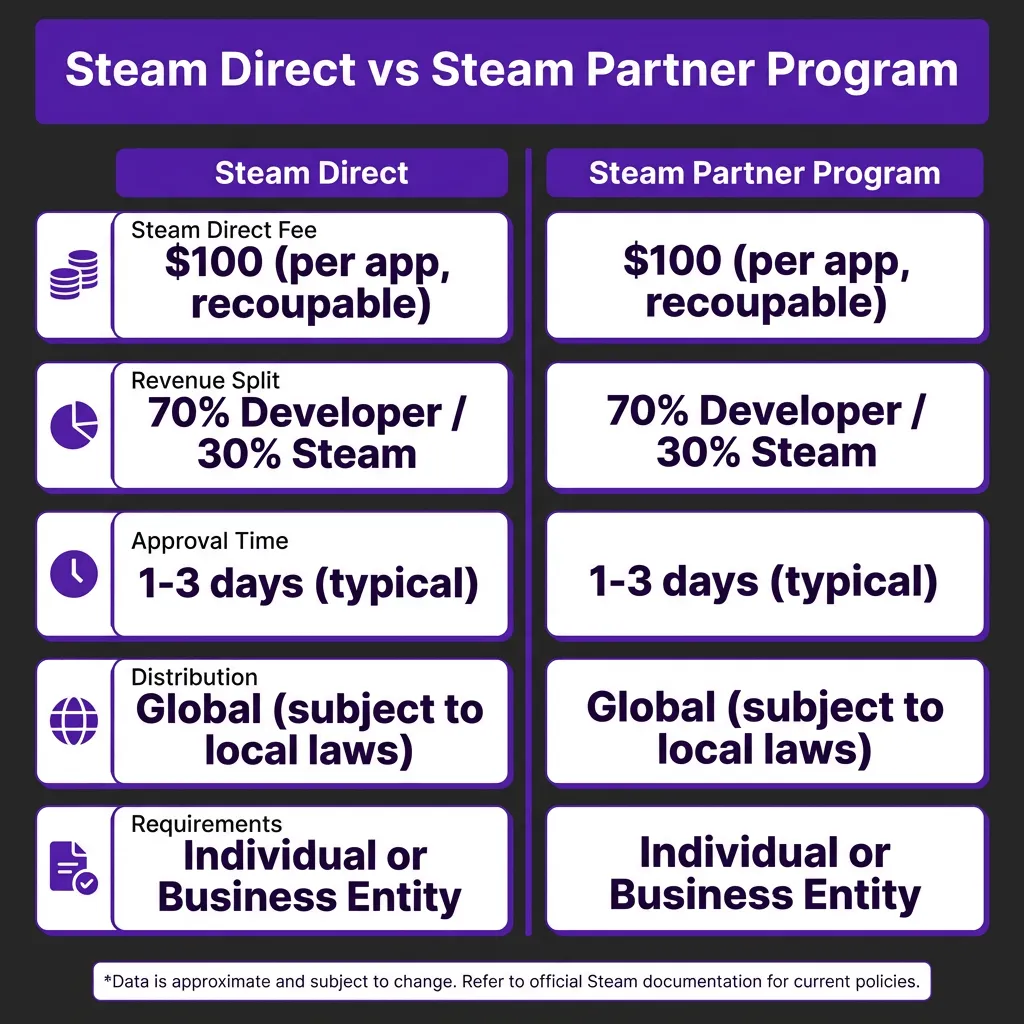
Steam charges a $100 per-game fee to publish on the platform. This fee exists primarily as a quality gate to reduce spam and low-effort submissions. Importantly, this fee is recoupable—once your game earns $1,000 in revenue, Valve refunds the $100 fee.
The fee must be paid through Steam’s payment system before you can access the app administration tools. This is a one-time cost per game, not a recurring subscription. If you’re publishing multiple games, you’ll pay $100 for each separate application.
For developers concerned about upfront costs, consider this: the $100 fee is negligible compared to the potential revenue from even modest Steam sales. A game priced at $10 needs only 10 sales to break even on the fee. Most serious developers view this as a minimal barrier to entry for access to Steam’s massive user base.
Step 3: Create Your Store Page
Your Steam store page is your game’s sales pitch. It needs to capture attention, communicate value, and convert visitors into buyers. Steam provides a comprehensive set of tools for building your store page, including support for trailers, screenshots, descriptions, and feature lists.
Start with your capsule images—these are the thumbnails that appear in search results, recommendations, and the Steam store homepage. You need five sizes: main capsule (616×353), small capsule (231×87), header (460×215), page background (1920×620), and library hero (1920×620). These images should clearly communicate your game’s genre and visual style at a glance.
Your trailer is arguably the most important element. Steam auto-plays trailers, so the first 10 seconds are critical. Show gameplay immediately—don’t start with logos or cinematic intros. Include 2-3 minutes of varied gameplay footage that demonstrates core mechanics, art style, and unique features. End with a clear call-to-action showing your release date or “Available Now” message.
The written description should follow a clear structure: hook (1-2 sentences capturing the core experience), features (bullet points of key selling points), and about this game (deeper dive into mechanics and content). Use Steam’s formatting tools to create readable sections with headers and emphasis.
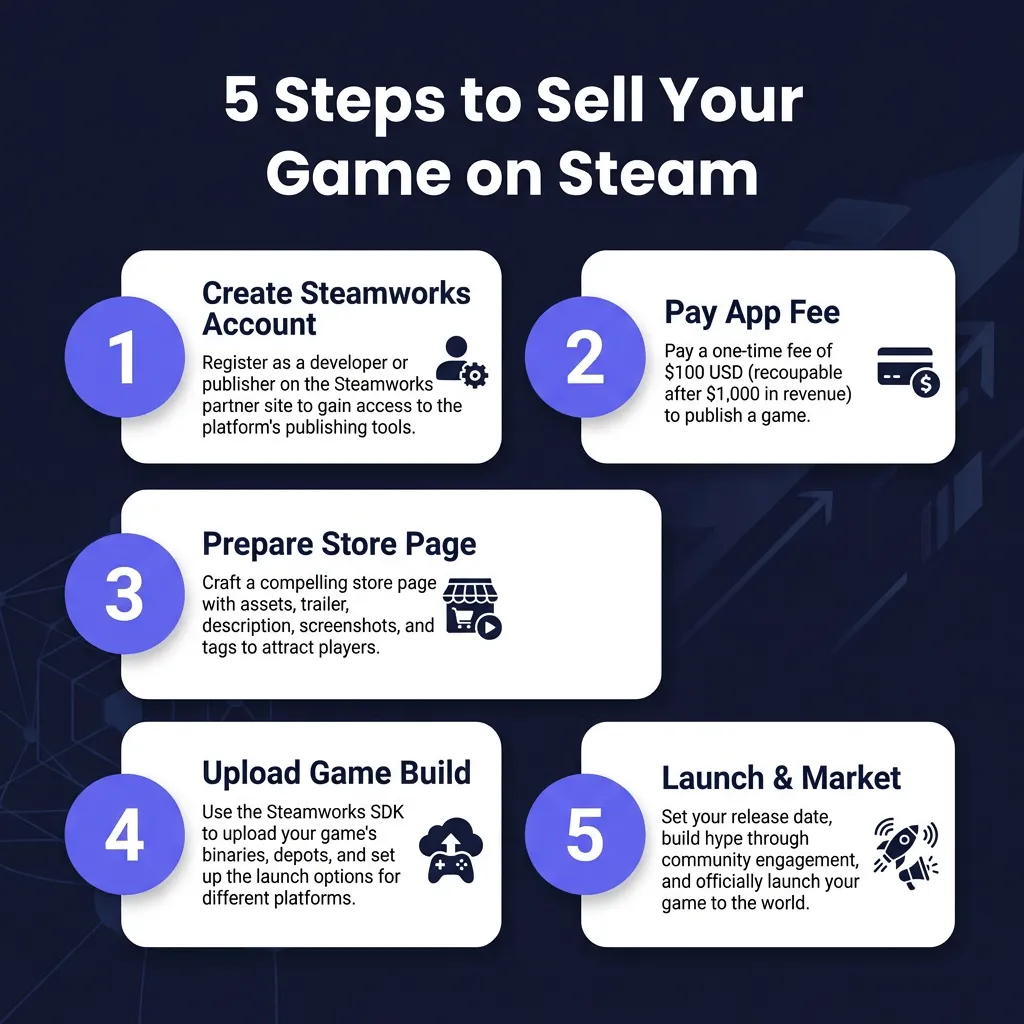
Step 4: Upload Your Game Build
Steam uses SteamPipe for game distribution—a content delivery system that handles uploading, encryption, and global distribution of your game files. You’ll use the Steamworks SDK or SteamCMD to upload your game builds to Steam’s servers.
Prepare your game files according to Steam’s requirements. Your build should include the executable, all required data files, and any redistributables (like DirectX or Visual C++ runtimes). Steam supports Windows, macOS, and Linux builds—you can upload multiple platforms for a single game.
Before going live, use Steam’s beta testing branches to test your build. You can invite specific Steam users to access beta versions, allowing you to catch issues before public release. This is especially important for verifying that achievements, cloud saves, and multiplayer features work correctly in the Steam environment.
Set up your launch options, controller configurations, and system requirements. Steam Input allows players to use any controller with your game, but you should test and provide recommended configurations. System requirements should be realistic—overstating minimum specs leads to refunds and negative reviews.
Step 5: Launch and Market Your Game
Launch day is just the beginning. Steam’s algorithm favors games that generate activity, so your marketing efforts directly impact your visibility on the platform. Start building your audience months before launch using Steam’s Coming Soon page feature.
Wishlists are the single most important metric for Steam success. They determine your initial visibility on launch day and influence how prominently Steam features your game. Aim to build at least 5,000-10,000 wishlists before launch for a meaningful debut. Share your Coming Soon page on social media, Reddit communities, Discord servers, and gaming forums relevant to your genre.
Consider your pricing strategy carefully. Steam takes a 30% revenue share (reduced to 20% after $50 million in sales). Price your game competitively within your genre—check what similar games charge. Many successful indies launch with a 10-20% discount to drive initial sales and generate reviews.
Post-launch, engage with your community through Steam’s discussion forums and update news. Regular updates signal to Steam’s algorithm that your game is actively supported, which can boost visibility. Respond to reviews professionally—both positive and negative feedback provides valuable insights.
Understanding Steam’s Revenue Share
Steam’s standard revenue split is 70/30—you keep 70% of gross revenue, Valve takes 30%. This is higher than Epic’s 88/12 split but comparable to console platforms. For blockbuster titles exceeding $50 million in revenue, the split improves to 75/25, and above $100 million it becomes 80/20.
However, the effective cost is lower than 30% when you factor in what Steam provides: global CDN distribution, payment processing in 35+ currencies, automatic VAT and sales tax handling, fraud prevention, refund processing, and access to 120 million potential customers. For most developers, building equivalent infrastructure would cost far more than Steam’s cut.
Payment schedules work on a monthly basis. Steam pays out approximately 30-45 days after the end of each month, once your earnings exceed the minimum threshold ($100 for most regions). You can track real-time sales through Steam’s analytics dashboard, which provides detailed breakdowns by region, traffic source, and conversion rates.
Steam Alternatives for Indie Developers
While Steam dominates PC gaming, diversifying your distribution strategy can maximize revenue. Epic Games Store offers an 88/12 revenue split and features selected indie games prominently, though getting accepted requires meeting Epic’s quality standards. GOG focuses on DRM-free games and has a passionate community of supporters.
itch.io provides the most developer-friendly terms—you set your own revenue share, with a default of 10% to itch.io. It’s particularly popular for experimental games, game jams, and early prototypes. However, itch.io’s audience is significantly smaller than Steam’s, making it better as a supplementary channel.
Direct sales through your own website give you complete control and 100% of revenue (minus payment processing fees of ~3%). Platforms like Fungies.io make this easier by handling payment processing, tax compliance, and checkout optimization. Direct sales work best when combined with Steam—offer a Steam key as a bonus for direct purchases to give players flexibility.
Common Mistakes to Avoid
Many indie developers sabotage their Steam launch through avoidable mistakes. The most common is launching without adequate wishlist numbers—Steam’s algorithm heavily weights wishlist conversion rates in determining visibility. If you launch with 500 wishlists and convert 10%, Steam sees less potential than a game with 5,000 wishlists converting 5%.
Poor store page optimization kills conversions. Trailers that don’t show gameplay within the first 10 seconds, screenshots that don’t represent actual gameplay, and vague descriptions that fail to communicate what makes your game unique all hurt sales. Study successful games in your genre and emulate their presentation.
Ignoring Steam’s community features is another missed opportunity. Steam Curators, user reviews, and discussion forums all influence purchase decisions. Engage authentically with your community—players can spot marketing speak and respond better to genuine developer communication.
Pricing your game incorrectly can doom even great titles. Too high and you price yourself out of impulse purchases; too low and you signal low quality. Research your genre’s price points and consider regional pricing—Steam allows you to set different prices for different markets based on purchasing power.
FAQ
How much does it cost to sell a game on Steam?
Steam charges a $100 per-game fee that is refunded after you earn $1,000 in revenue. Steam takes a 30% revenue share (20% after $50 million in sales).
Can anyone publish a game on Steam?
Yes, Steam Direct allows anyone to publish after paying the $100 fee and completing identity verification. There is no curation process, but games must meet basic content guidelines.
How long does Steam approval take?
Most games are approved within 1-3 business days after paying the Steam Direct fee. Store page review typically takes 2-5 business days.
What percentage does Steam take from sales?
Steam takes 30% of gross revenue by default. This drops to 25% after $50 million in sales and 20% after $100 million.
Do I need a company to sell on Steam?
No, individuals can sell games on Steam. You’ll need to provide personal tax information and can receive payouts to a personal bank account.
Conclusion
Selling your game on Steam remains one of the best opportunities for indie developers to reach a massive audience of PC gamers. While the platform takes a significant revenue share, the access to 120 million active users, built-in payment processing, and global tax compliance handling makes it a compelling choice for most developers.
Success on Steam requires more than just uploading your game. Build your wishlist count before launch, optimize your store page for conversions, price competitively, and engage with your community post-launch. Consider complementing Steam with direct sales through your own website to maximize revenue per sale.
Ready to start your Steam journey? Set up your Steamworks account, prepare your marketing materials, and begin building that all-important wishlist count. Your future players are waiting.
Ready to Simplify Your Payment Compliance?
Join hundreds of SaaS companies using Fungies.io — automated tax compliance, 50+ payment methods, global Merchant of Record.
No credit card required