Here’s a number that should change how you think about AI coding tools: 97 million. That’s how many times the MCP SDK has been downloaded as of May 2026. Yet most developers still haven’t tapped into the Model Context Protocol — the open standard that’s turning AI assistants from chatbots into genuine productivity engines.
In late 2024, Anthropic open-sourced MCP. By December 2025, they donated it to the Linux Foundation’s Agentic AI Foundation. OpenAI adopted it. Google DeepMind confirmed support. Amazon AWS implemented it. Pinterest deployed it in production. MCP isn’t experimental anymore — it’s the new standard for connecting AI to your tools, files, and APIs.
What Is MCP and Why It Matters Now
MCP stands for Model Context Protocol. Think of it as USB-C for AI — one universal interface that lets any AI assistant connect to any tool. Before MCP, integrating an AI with your database meant writing custom API wrappers, handling authentication, and updating code every time a model provider changed their tool-calling syntax. It was a maintenance nightmare.
MCP changes the game. You configure a server once. That server can now talk to Claude Code, Cursor, VS Code Copilot, Windsurf, or any other compliant client. The protocol handles the communication standard, so you don’t have to.
How MCP Servers Work
An MCP server is a lightweight program that exposes three primitives to AI clients:
- Tools — Functions the AI can call to perform actions (run tests, query databases, deploy code)
- Resources — Data sources the AI can read (files, documentation, API responses)
- Prompts — Pre-defined templates the AI can use for common tasks
When you ask your AI assistant to “check the last 5 commits on this branch,” the MCP server for Git translates that natural language request into actual git commands, runs them, and returns structured data the AI can understand and act on.
The 10 Best MCP Servers for Developers in 2026
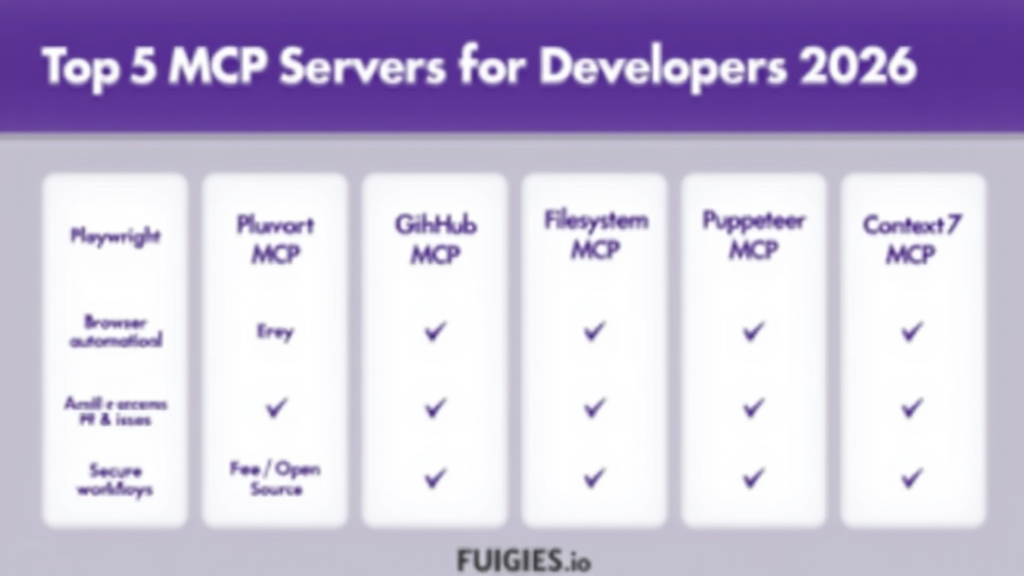
There are over 10,000 MCP servers listed across various directories. Most are weekend projects. These ten are production-grade tools that will fundamentally change how you work with AI coding assistants.
1. Playwright MCP — Browser Automation
Microsoft’s official MCP server for browser automation. Navigate pages, click elements, fill forms, take screenshots, and run end-to-end tests — all driven by your AI assistant through structured accessibility snapshots.
Install command:
claude mcp add playwright -- npx @playwright/mcp@latest
Best for: Testing checkout flows, visual QA, automated browser tasks without writing Selenium scripts.
2. GitHub MCP — Repository Management
GitHub’s official MCP server connects your AI assistant to the GitHub API. Manage repositories, create and review pull requests, search code, manage issues, and trigger workflows through natural language.
Best for: Code reviews without context switching, creating issues from bug discussions, checking PR status.
3. Filesystem MCP — Local File Access
The official filesystem server from Anthropic gives your AI read and write access to files on your local machine within a scoped directory. It’s the foundation for most AI coding workflows.
Install command:
claude mcp add filesystem -- npx -y @modelcontextprotocol/server-filesystem /path/to/project
4. Git MCP — Local Repository Operations
Local Git repository operations without leaving your AI conversation. Commit history, diffs, branch management, and repository analysis.
Install command:
claude mcp add git --scope user -- uvx mcp-server-git
5. Context7 MCP — Documentation Lookup
Instead of relying on training data cutoffs, Context7 fetches current documentation through a documentation-as-context pipeline. Ask “How do I use the latest feature of X library?” and get answers grounded in current docs.
6. Puppeteer MCP — Web Scraping
Google’s Puppeteer for screenshot capture, JavaScript execution, page navigation, and DOM interaction. Note: Microsoft recommends Playwright for new projects, but Puppeteer remains useful for Chrome-specific workflows.
7. Brave Search MCP — Web Search
Integrates Brave’s privacy-focused search into your AI workflow. Best for general queries and finding URLs without leaving your terminal.
8. PostgreSQL MCP — Database Queries
Natural language database queries. Ask “Show me all users who signed up in the last 30 days” and get results without writing SQL.
9. Fetch MCP — Raw Web Content
The “good ol’ server fetch” option. Use it when you want raw HTML or Markdown so the agent can parse a page itself.
10. E2B MCP — Sandboxed Code Execution
Execute code in secure, sandboxed environments. Perfect for running untrusted code or testing in isolated containers.
MCP Server Comparison Table
| Server | Category | Provider | Cost | Best For |
|---|---|---|---|---|
| Playwright MCP | Browser | Microsoft | Free | E2E testing, screenshots |
| GitHub MCP | DevOps | GitHub | Free | PRs, issues, workflows |
| Filesystem MCP | Core | Anthropic | Free | File read/write |
| Git MCP | DevOps | Community | Free | Local git operations |
| Context7 MCP | Knowledge | Upstash | Free | Documentation lookup |
| PostgreSQL MCP | Database | Community | Free | SQL queries |
| Brave Search MCP | Search | Brave | Free tier | Web search |
| E2B MCP | Execution | E2B | Free tier | Sandboxed code |
Step-by-Step: Setting Up Your First MCP Server
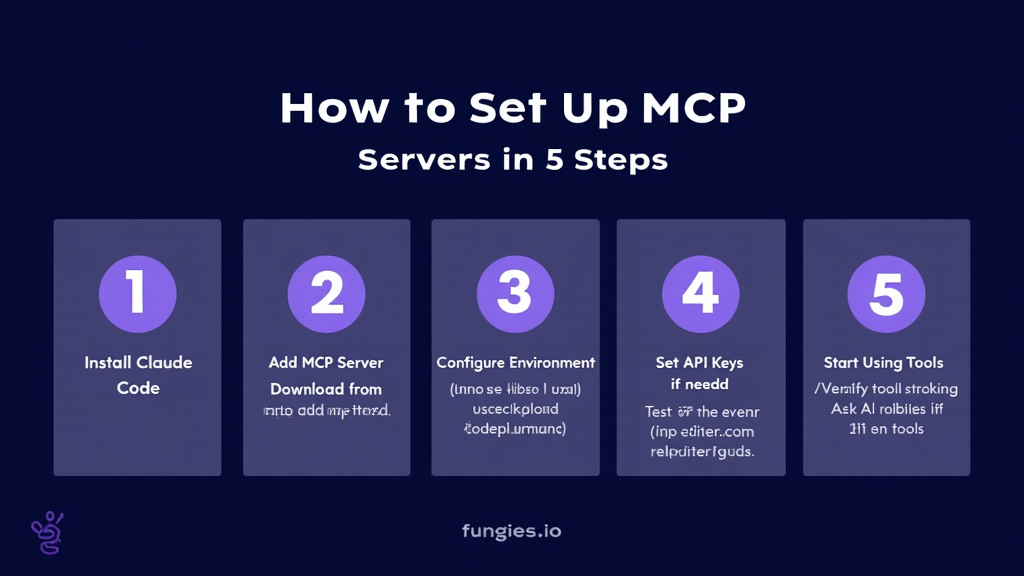
Step 1: Install Claude Code
If you haven’t already, download and install Claude Code from Anthropic. It’s the most mature MCP client and supports the full range of servers.
Step 2: Add an MCP Server
Use the claude mcp add command. For example, to add the filesystem server:
claude mcp add filesystem -- npx -y @modelcontextprotocol/server-filesystem /path/to/your/project
Step 3: Configure Environment Variables
Some servers need API keys. Add them with the -e flag:
claude mcp add brave-search -e BRAVE_API_KEY=your-key -- npx -y @modelcontextprotocol/server-brave-search
Step 4: Verify Installation
Inside Claude Code, type /mcp to see all connected servers and their available tools.
Step 5: Start Using Tools
Ask your AI to use the tools. For example: “Search for the latest React best practices using Brave” or “Take a screenshot of the login page using Playwright.”
Real-World Use Cases
Use Case 1: Automated Testing
You’re building a checkout flow. Instead of writing test scripts, you tell Claude: “Test the checkout flow. Open the browser, add an item to cart, proceed to payment, and take screenshots at each step.” Playwright MCP handles the automation. Claude analyzes the results. You get a report with screenshots showing exactly what worked and what broke.
Use Case 2: Documentation-Driven Development
You’re integrating a new API. Instead of reading docs in a browser tab, you ask: “How do I authenticate with the Stripe API using the latest version?” Context7 MCP fetches the current documentation. Claude gives you working code based on the actual docs, not training data from 2023.
Use Case 3: Database Exploration
You need to understand a legacy database schema. Instead of writing SQL queries, you ask: “Show me all tables related to user authentication and their relationships.” The PostgreSQL MCP server queries the information schema and returns a structured view. Claude explains the schema in plain English.
Security Best Practices
Connecting AI to your files, databases, and APIs is powerful but requires caution:
- Start read-only — Begin with servers that only read data (docs, search, observability) before enabling write access
- Scope narrowly — Use per-project keys, limited directories, and dev/test data only
- Log everything — Track which tools the AI calls and what data it accesses
- Review before execution — Configure your client to ask for confirmation before destructive operations
Key Takeaways
- MCP is the new standard for AI-tool integration, with 97M+ SDK downloads
- Top servers: Playwright (browser), GitHub (repos), Filesystem (files), Context7 (docs)
- Installation is one command:
claude mcp add <name> -- <command> - Start with read-only servers, scope access narrowly, and log tool usage
- The best developers use multiple MCP servers simultaneously for different tasks
FAQ
What is an MCP server?
An MCP (Model Context Protocol) server is a lightweight program that lets AI assistants like Claude Code and Cursor interact with external tools, files, databases, and APIs through a standardized protocol.
Is MCP only for Claude?
No. MCP is supported by Claude Code, Cursor, VS Code with GitHub Copilot, Windsurf, Codex, Gemini CLI, and more. Any tool that implements the MCP protocol can connect to MCP servers.
Are MCP servers free?
Most MCP servers are free and open source under MIT or Apache 2.0 licenses. Some connect to paid third-party services (like cloud databases), but the server software itself is typically free.
Can I use multiple MCP servers at once?
Yes. Most AI clients support connecting to multiple MCP servers simultaneously. You can run a database server, browser automation server, and file system server all at once.
Where can I find more MCP servers?
Check the official GitHub repository, Awesome MCP Servers, or Glama.ai marketplace for curated lists.
Conclusion
MCP servers are the bridge between AI assistants and the real world. They turn chatbots into agents that can actually do things — browse the web, query databases, manage code repositories, and execute tests.
If you’re not using MCP servers yet, you’re working with one hand tied behind your back. Start with Playwright for browser automation and Filesystem for file access. Add GitHub MCP if you work with repositories. Expand from there based on your workflow.
The future of development isn’t AI replacing developers. It’s developers using AI that can actually interact with their tools. MCP makes that possible.
Ready to streamline your payment infrastructure too? Try Fungies.io — the Merchant of Record platform that handles payments, tax compliance, and checkout for game and SaaS developers.