84% of developers now use AI coding tools weekly. But here’s what the headlines won’t tell you: the same AI model scores 17 problems apart when run through different assistants. The tool you choose matters more than the model it runs.
In 2026, AI coding assistants have evolved from autocomplete gimmicks to full agentic systems capable of multi-file refactoring, autonomous debugging, and deep codebase understanding. GitHub Copilot has 4.7 million paid subscribers. Cursor hit $2 billion ARR. Claude Code achieved 80.8% on SWE-bench Verified—the highest score ever recorded for a consumer tool.
But which one should you actually pay for? This list cuts through the marketing hype and ranks the 7 best AI coding assistants based on real performance data, pricing transparency, and developer workflow fit.
What Is an AI Coding Assistant?
An AI coding assistant is software that uses large language models to help you write, refactor, debug, and understand code. The category has split into three distinct paradigms in 2026:
| Type | Description | Best For |
|---|---|---|
| IDE-Native | Full editor with AI built into every layer (Cursor, Windsurf) | Daily coding, autocomplete |
| Terminal Agents | CLI-based tools that autonomously work on your codebase (Claude Code, Aider) | Complex refactors, large codebases |
| IDE Extensions | Plugins that add AI to existing editors (Copilot, Cline) | Teams with mixed editor preferences |
The lines blur—Cursor now has agent mode, Claude Code integrates with editors, Copilot added a coding agent. But the core philosophy of each tool determines where it excels.
The 7 Best AI Coding Assistants in 2026
1. Cursor — Best Overall AI-Native IDE
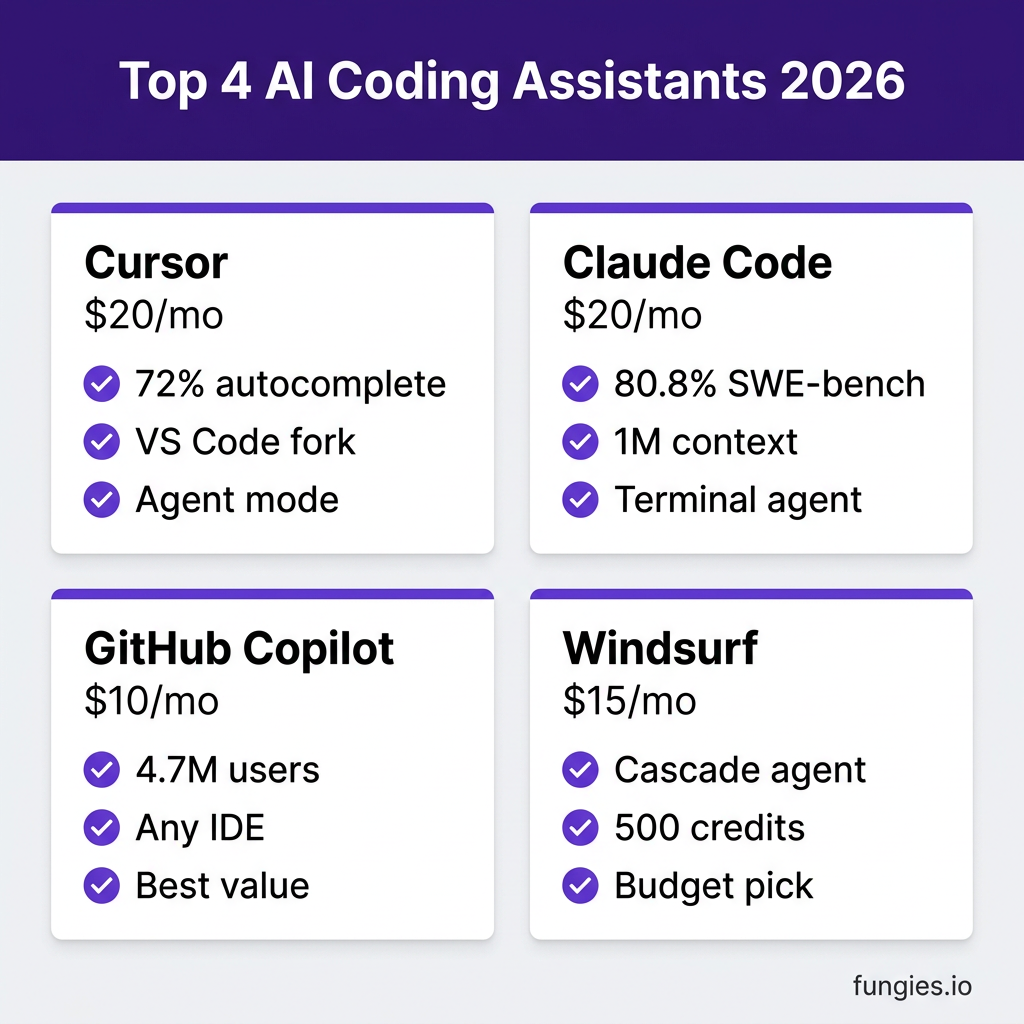
Price: $20/month (Pro) | Free Tier: 2,000 completions + 50 slow requests
Cursor is a VS Code fork rebuilt around AI. It acquired Supermaven and integrated its autocomplete engine, achieving a 72% acceptance rate—meaning developers accept 7 out of 10 suggestions.
Key Strengths:
- Supermaven autocomplete: Fastest, most accurate inline suggestions available
- Composer: Visual multi-file editing with natural language instructions
- Agent mode: Autonomous coding that runs commands, installs dependencies, reads logs, and iterates
- Background agents: Cloud-based agents that work in parallel while you code
Best For: Developers who want the best IDE experience and are willing to switch from VS Code.
The Catch: Cursor-only ecosystem. If your team uses JetBrains or Neovim, you’re out of luck.
2. Claude Code — Best for Complex Codebases
Price: $20/month (Pro), $100-200/month (Max) | Free Tier: Limited daily usage
Claude Code is Anthropic’s terminal-native agent. It doesn’t have autocomplete—it has something better: a 1 million token context window that can analyze 25,000-30,000 lines of code simultaneously.
Key Strengths:
- 1M token context: Largest context window of any consumer tool
- 80.8% SWE-bench Verified: Highest benchmark score for real-world coding tasks
- Agent Teams: Spawn parallel sub-agents working on different parts of your codebase
- Deep git integration: Creates branches, writes commits, opens PRs from natural language
Best For: Terminal-native developers working on large codebases who need deep project understanding.
The Catch: No IDE. You work in your terminal. No autocomplete, no visual diffs.
3. GitHub Copilot — Best Value & Team Integration
Price: $10/month (Pro) | Free Tier: 2,000 completions + 50 chats/month
With 4.7 million paid subscribers and 42% market share, Copilot is the most widely adopted AI coding tool. It’s also the cheapest—and the only one with a genuinely useful free tier.
Key Strengths:
- Universal IDE support: VS Code, JetBrains, Neovim, Xcode
- Coding agent: Converts GitHub issues into pull requests automatically
- Native code review: Line-by-line PR feedback directly in GitHub
- Multi-model access: Claude, GPT-5.x, and Gemini in one tool
Best For: Teams with mixed editor preferences, budget-conscious developers, and GitHub-centric workflows.
The Catch: Weaker autonomous coding compared to Cursor and Claude Code. Best for scoped, single-issue tasks.
4. Windsurf — Best Budget AI IDE
Price: $15/month (Pro) | Free Tier: 25 credits/month
Windsurf (formerly Codeium) is Cursor’s closest competitor at $5 less per month. It pioneered the Cascade agent and was recently acquired by Cognition—the team behind Devin.
Key Strengths:
- Cascade agent: Autonomous coding with visual workflow
- SWE-1 and SWE-1.5 models: Proprietary models optimized for software engineering
- Codemaps: Visual code navigation for understanding large projects
- Multi-IDE plugins: 40+ IDE integrations beyond the main editor
Best For: Cost-conscious developers who want Cursor-like features at a lower price point.
The Catch: 500 credits on Pro can run out fast for heavy users. Credit consumption varies by model.
5. Cline — Best Free Open-Source Option
Price: Free (open source, BYO API keys) | Teams: $20/user/month
Cline is a VS Code extension that offers autonomous coding without subscription fees. You bring your own API keys and pay only for the tokens you use.
Key Strengths:
- Truly free: No subscription, just API costs
- Human-in-the-loop: Asks for approval at each step for safety
- Multi-model support: Works with Claude, GPT-4, Gemini
- Open source: Full transparency, community-driven development
Best For: Developers who want control over costs and model choice without monthly subscriptions.
The Catch: You pay for API usage directly. Heavy use can exceed subscription tool costs.
6. Augment Code — Best for Enterprise Refactors
Price: $20/month (Indie), $60-200/month (Team/Max)
Augment Code is the dark horse of this list. On SWE-bench Verified, Augment’s Auggie agent scored higher than Claude Code when both ran the same Opus 4.5 model—solving 17 more problems out of 731 total.
Key Strengths:
- Superior scaffolding: Better codebase understanding than raw model performance
- Enterprise features: Built for large-team workflows
- High benchmark scores: Outperforms competitors with identical underlying models
Best For: Enterprise teams doing large-scale refactors and architecture changes.
The Catch: Less mindshare than Cursor or Copilot. Smaller community and plugin ecosystem.
7. Amazon Q Developer — Best for AWS Workflows
Price: $19/user/month | Free Tier: 50 agent requests/month
Amazon Q is purpose-built for developers embedded in the AWS ecosystem. It understands CloudFormation, CDK, and AWS service APIs natively.
Key Strengths:
- AWS-native: Deep integration with AWS services and documentation
- Security scanning: Built-in vulnerability detection for cloud deployments
- Code transformation: Automated modernization (e.g., Java version upgrades)
Best For: Teams heavily invested in AWS infrastructure.
The Catch: Limited value if you’re not on AWS. Less capable for general-purpose coding.
Complete Pricing Comparison
| Tool | Free Tier | Pro | Max/Enterprise | Best Value At |
|---|---|---|---|---|
| GitHub Copilot | 2,000 completions + 50 chats | $10/mo | $39/mo | Individuals, teams on budget |
| Windsurf | 25 credits | $15/mo | $30/user/mo | Budget-conscious IDE users |
| Cursor | 2,000 completions + 50 requests | $20/mo | $40-200/mo | Daily IDE users |
| Claude Code | Limited daily | $20/mo | $100-200/mo | Complex codebases |
| Augment | Limited | $20/mo | $60-200/mo | Enterprise refactors |
| Cline | Free (BYO keys) | — | $20/user/mo | Cost optimizers |
| Amazon Q | 50 requests | $19/mo | $19/mo | AWS shops |
Benchmark Performance Comparison
| Tool | SWE-bench Verified | Context Window | Autocomplete |
|---|---|---|---|
| Claude Code | 80.8% | 1M tokens | None |
| Augment (Auggie) | ~83%* | 200K+ tokens | Yes |
| Cursor | Model-dependent | 256K tokens | 72% acceptance |
| Copilot | Not published | Model-dependent | Yes |
| Windsurf | Not published | 200K tokens | Yes |
*Augment scored higher than Claude Code with identical Opus 4.5 model
Key Takeaways: Which Should You Choose?
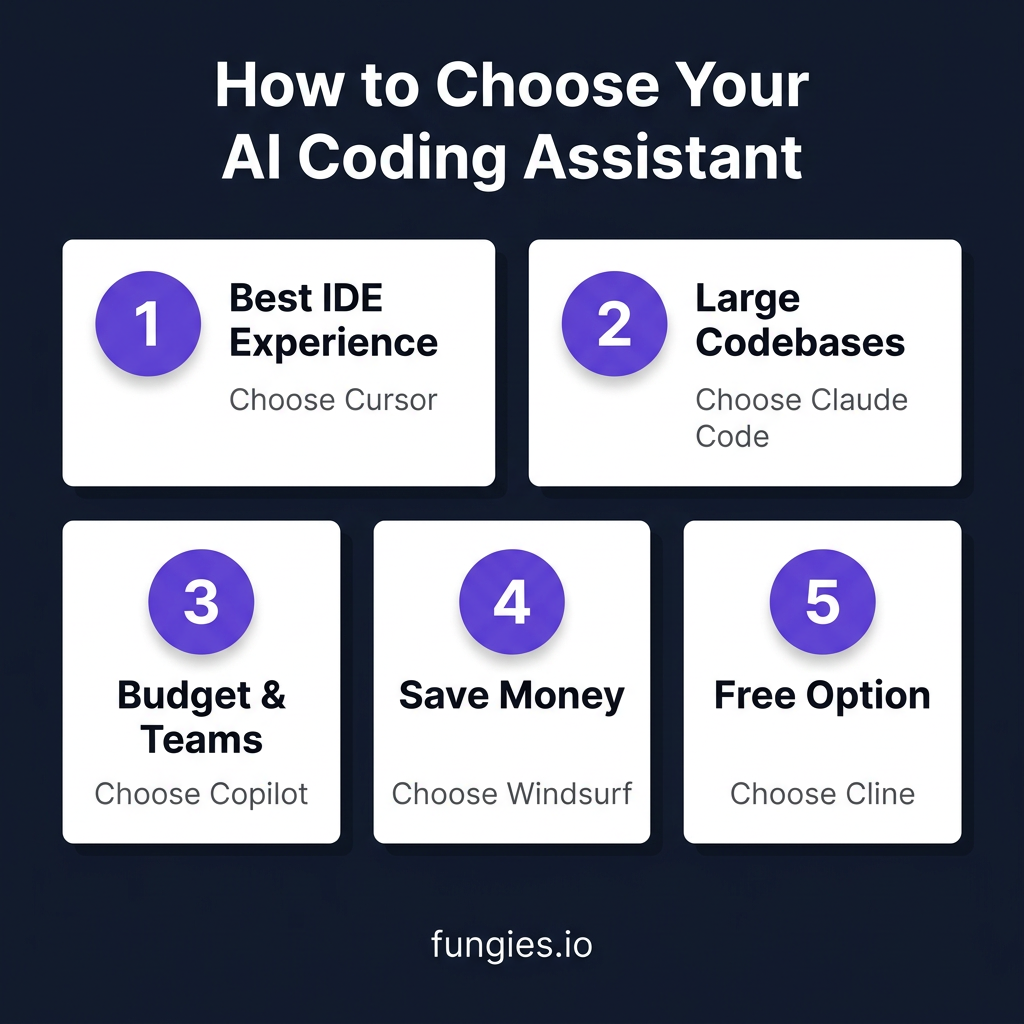
Pick Cursor if: You want the best all-around AI IDE experience and are willing to switch editors.
Pick Claude Code if: You work on large codebases, prefer terminal workflows, and need the deepest project understanding.
Pick Copilot if: You want the cheapest option that works in any IDE, or your team uses multiple editors.
Pick Windsurf if: You want Cursor-like features at a lower price point ($15 vs $20).
Pick Cline if: You want to avoid subscriptions and control your own API costs.
The Power User Stack: Cursor ($20) + Claude Code ($20) = $40/month covers 95% of coding scenarios. This is what senior developers actually use.
FAQ
Q: Can I use these tools for free?
Yes. GitHub Copilot, Cursor, and Windsurf all have free tiers. Cline is completely free if you bring your own API keys. The free tiers are genuinely usable for light to moderate coding.
Q: Do AI coding assistants make developers worse?
The data says the opposite. Developers using AI assistants complete tasks 55% faster on average. The key is treating AI suggestions as starting points, not final code—always review before committing.
Q: Which tool has the best autocomplete?
Cursor’s Supermaven integration leads with 72% acceptance rate. Copilot is close second. Claude Code has no autocomplete—it’s designed for conversational coding, not inline suggestions.
Q: Are these tools secure? Do they train on my code?
All three major tools (Cursor, Claude Code, Copilot) offer privacy modes that don’t use your code for training. Cursor Business and Copilot Enterprise add additional enterprise security features.
Q: Can I use multiple tools together?
Absolutely. The most productive developers in 2026 use Cursor for daily editing plus Claude Code for complex tasks. This hybrid approach costs $40/month and covers virtually every coding scenario.
Conclusion
The AI coding assistant market in 2026 isn’t about finding the “best” tool—it’s about finding the right tool for your workflow. Cursor wins on IDE experience. Claude Code wins on codebase depth. Copilot wins on accessibility and price.
Start with Copilot’s free tier if you’re new to AI coding. Upgrade to Cursor or Windsurf if you want a native AI IDE experience. Add Claude Code when you hit problems that require understanding your entire codebase.
The $10-20 monthly cost pays for itself in hours saved. The question isn’t whether you can afford these tools—it’s whether you can afford not to use them.
Ready to streamline your SaaS payments while you code? Get started with Fungies and handle VAT, sales tax, and global compliance automatically.
References
- NxCode: Cursor vs Claude Code vs GitHub Copilot 2026 Comparison
- Faros AI: Best AI Coding Agents for 2026
- Morph LLM: We Tested 15 AI Coding Agents (2026)
- PE Collective: AI Coding Tools Pricing Comparison 2026
- IJONIS: AI Coding Tools Pricing 2026
- CloudZero: LLM API Pricing Comparison 2026
- Hostinger: Vibe Coding Statistics 2026
- GetPanto: AI Coding Assistant Statistics