A $489 GPU can now run coding models that rival Claude Sonnet. The local LLM revolution isn’t coming—it’s already here, and the hardware to run it has never been more accessible.
What This Guide Covers
This guide ranks the 7 best hardware configurations for running local LLMs in 2026, from $600 budget builds to $3,000+ workstations. Every recommendation includes real benchmark data, VRAM requirements, and tokens-per-second performance you can actually expect.
Why Run LLMs Locally?
- Privacy: Your data never leaves your machine
- Cost: No per-token API bills—pay once, run forever
- Control: Run fine-tuned models, uncensored variants, or offline in air-gapped environments
- Latency: No network round-trips for inference
The 7 Best Hardware Setups for Local LLMs
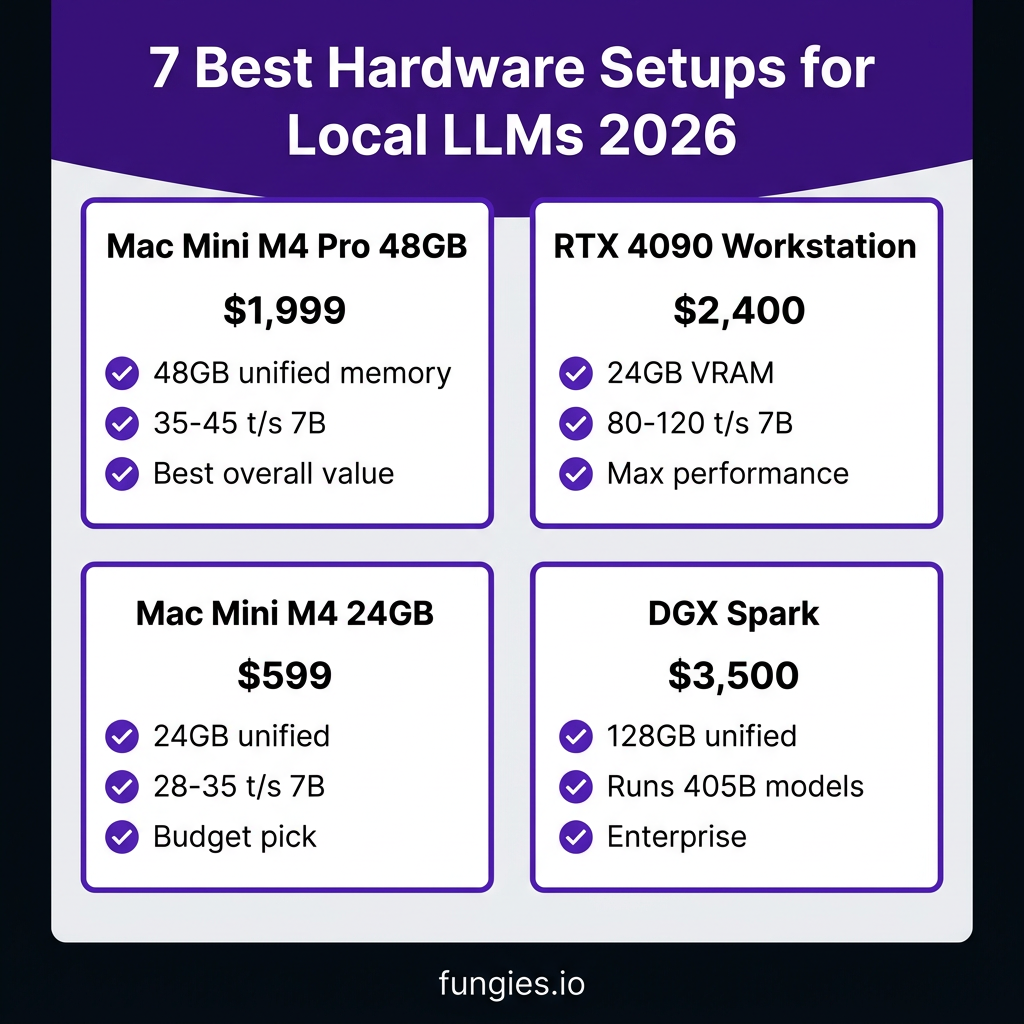
1. Mac Mini M4 Pro (48GB) — Best Overall Value
Price: ~$1,999 (new)
Best for: Developers wanting a turnkey solution
The Mac Mini M4 Pro with 48GB unified memory is the sweet spot for local LLMs in 2026. Apple’s unified memory architecture means the CPU, GPU, and Neural Engine share one memory pool—no PCIe bottlenecks, no copying between VRAM and system RAM.
Performance:
- 7B models (Q4): 35-45 tokens/sec
- 13B models (Q4): 20-28 tokens/sec
- 70B models (Q4): 8-12 tokens/sec
VRAM Equivalent: 48GB shared
Power Draw: ~50W under load
Models You Can Run: Llama 3.3 70B, Qwen 3.5 32B, DeepSeek R1 32B, Gemma 3 27B
Pros: Silent operation, macOS ecosystem, excellent performance-per-watt
Cons: Not upgradeable, macOS-only, premium price
2. NVIDIA RTX 4090 Workstation — Best for Power Users
Price: ~$1,600 (GPU) + ~$800 (system) = ~$2,400 total
Best for: Maximum performance on consumer hardware
The RTX 4090 remains the king of consumer GPUs for LLM inference with its 24GB VRAM and massive CUDA core count. Pair it with a mid-range CPU and 32GB+ system RAM for a formidable local AI workstation.
Performance:
- 7B models (Q4): 80-120 tokens/sec
- 13B models (Q4): 50-70 tokens/sec
- 70B models (Q4): 15-22 tokens/sec (partial offload to CPU)
VRAM: 24GB GDDR6X
Power Draw: 450W (GPU only)
Models You Can Run: All 7B-13B models comfortably; 70B with CPU offload or quantization
Pros: Fastest consumer GPU, CUDA ecosystem, upgradeable
Cons: High power consumption, loud under load, expensive
3. Mac Mini M4 (24GB) — Best Budget Option
Price: ~$599 (new)
Best for: Entry-level local LLM experimentation
The base Mac Mini M4 with 24GB unified memory is the most accessible entry point for local LLMs. It handles 7B-8B quantized models exceptionally well and can push into 13B territory with the right quantization.
Performance:
- 7B models (Q4): 28-35 tokens/sec
- 8B models (Q4): 22-28 tokens/sec
- 13B models (Q4): 12-18 tokens/sec
VRAM Equivalent: 24GB shared
Power Draw: ~25W under load
Models You Can Run: Llama 3.1 8B, Qwen 2.5 7B, Gemma 3 4B/12B, Phi-4 14B (tight)
Pros: Extremely affordable, silent, energy-efficient
Cons: Limited to smaller models, no upgrade path
4. NVIDIA RTX 3090 — Best Used GPU Value
Price: ~$600-800 (used)
Best for: Maximum VRAM per dollar
The RTX 3090 offers the same 24GB VRAM as the 4090 at roughly half the price on the used market. For pure LLM inference, it’s nearly as capable and significantly more cost-effective.
Performance:
- 7B models (Q4): 60-90 tokens/sec
- 13B models (Q4): 40-55 tokens/sec
- 70B models (Q4): 12-18 tokens/sec (with CPU offload)
VRAM: 24GB GDDR6X
Power Draw: 350W
Models You Can Run: Same as RTX 4090, slightly slower inference
Pros: 24GB VRAM for under $800, excellent value
Cons: Used market risks, high power draw, older architecture
5. NVIDIA DGX Spark — Best for Research/Enterprise
Price: ~$3,000-4,000
Best for: Serious researchers, multi-user setups, fine-tuning
The NVIDIA DGX Spark (formerly Project DIGITS) brings data-center-class AI compute to a desktop form factor. With 128GB unified memory and the Grace Blackwell architecture, it’s designed specifically for AI workloads.
Performance:
- 70B models (Q4): 25-35 tokens/sec
- 405B models (Q4): 5-8 tokens/sec
- Fine-tuning: Full LoRA on 70B models
VRAM Equivalent: 128GB unified
Power Draw: ~300W
Models You Can Run: Literally everything including Llama 3.1 405B
Pros: Massive memory, purpose-built for AI, enterprise support
Cons: Very expensive, overkill for most users
6. Dual RTX 4070 Ti Super — Best Multi-GPU Setup
Price: ~$1,600 (2x $800)
Best for: Running multiple models simultaneously
Two RTX 4070 Ti Supers (16GB each) give you flexibility to run different models on each GPU or split inference across both. This setup shines when you need to serve multiple models or users.
Performance:
- 7B models (Q4): 70-100 tokens/sec per GPU
- 13B models (Q4): 45-60 tokens/sec per GPU
- Can run two 70B models simultaneously (with CPU offload)
VRAM: 16GB per GPU (32GB total, not pooled)
Power Draw: 285W per GPU
Models You Can Run: 7B-13B per GPU; 70B with tensor parallelism
Pros: Flexible multi-model serving, good price/performance
Cons: Complex setup, VRAM not shared between GPUs
7. AMD Ryzen + RTX 4060 Ti (16GB) — Best Sub-$1000 Build
Price: ~$900-1,000 total
Best for: Budget-conscious builders who want dedicated GPU inference
This build pairs a budget AMD Ryzen CPU with the 16GB RTX 4060 Ti. The 16GB VRAM variant is crucial—avoid the 8GB model for LLMs.
Performance:
- 7B models (Q4): 40-60 tokens/sec
- 13B models (Q4): 25-35 tokens/sec
- 70B models: Not recommended (insufficient VRAM)
VRAM: 16GB GDDR6
Power Draw: 165W (GPU)
Models You Can Run: All 7B-13B models comfortably
Pros: Affordable, upgradeable, good entry point
Cons: Limited to smaller models, 16GB VRAM ceiling
Comparison Table
| Setup | Price | VRAM | 7B (t/s) | 70B (t/s) | Power | Best For |
|---|---|---|---|---|---|---|
| Mac Mini M4 Pro 48GB | $1,999 | 48GB | 35-45 | 8-12 | 50W | Best overall value |
| RTX 4090 Workstation | $2,400 | 24GB | 80-120 | 15-22 | 450W | Maximum performance |
| Mac Mini M4 24GB | $599 | 24GB | 28-35 | N/A | 25W | Budget pick |
| RTX 3090 (used) | $700 | 24GB | 60-90 | 12-18 | 350W | Best used value |
| DGX Spark | $3,500 | 128GB | 60-80 | 25-35 | 300W | Research/enterprise |
| Dual 4070 Ti Super | $1,600 | 32GB* | 70-100 | 10-15 | 570W | Multi-model serving |
| RTX 4060 Ti Build | $950 | 16GB | 40-60 | N/A | 165W | Sub-$1000 budget |
*Split across two GPUs, not pooled
Key Takeaways
- For most developers: The Mac Mini M4 Pro 48GB ($1,999) offers the best balance of performance, noise, and power efficiency
- For maximum speed: An RTX 4090 workstation delivers the highest tokens-per-second on consumer hardware
- For tight budgets: The Mac Mini M4 24GB ($599) or a used RTX 3090 (~$700) get you started with 7B-13B models
- For serious research: The DGX Spark is the only consumer-accessible option for 405B parameter models
- The 24GB threshold: This is the magic number for running most practical local LLMs. Anything less limits you to 7B-13B models.
FAQ
How much VRAM do I need for local LLMs?
24GB is the sweet spot for 7B-70B models. 16GB works for 7B-13B. 8GB is too limiting for serious use.
Is local LLM inference cheaper than APIs?
For heavy usage (>10M tokens/month), yes. A $1,600 GPU pays for itself in 5-10 months compared to Claude API costs.
Can I run 70B models on 24GB VRAM?
Yes, with Q4 quantization. Expect 8-22 tokens/sec depending on your hardware.
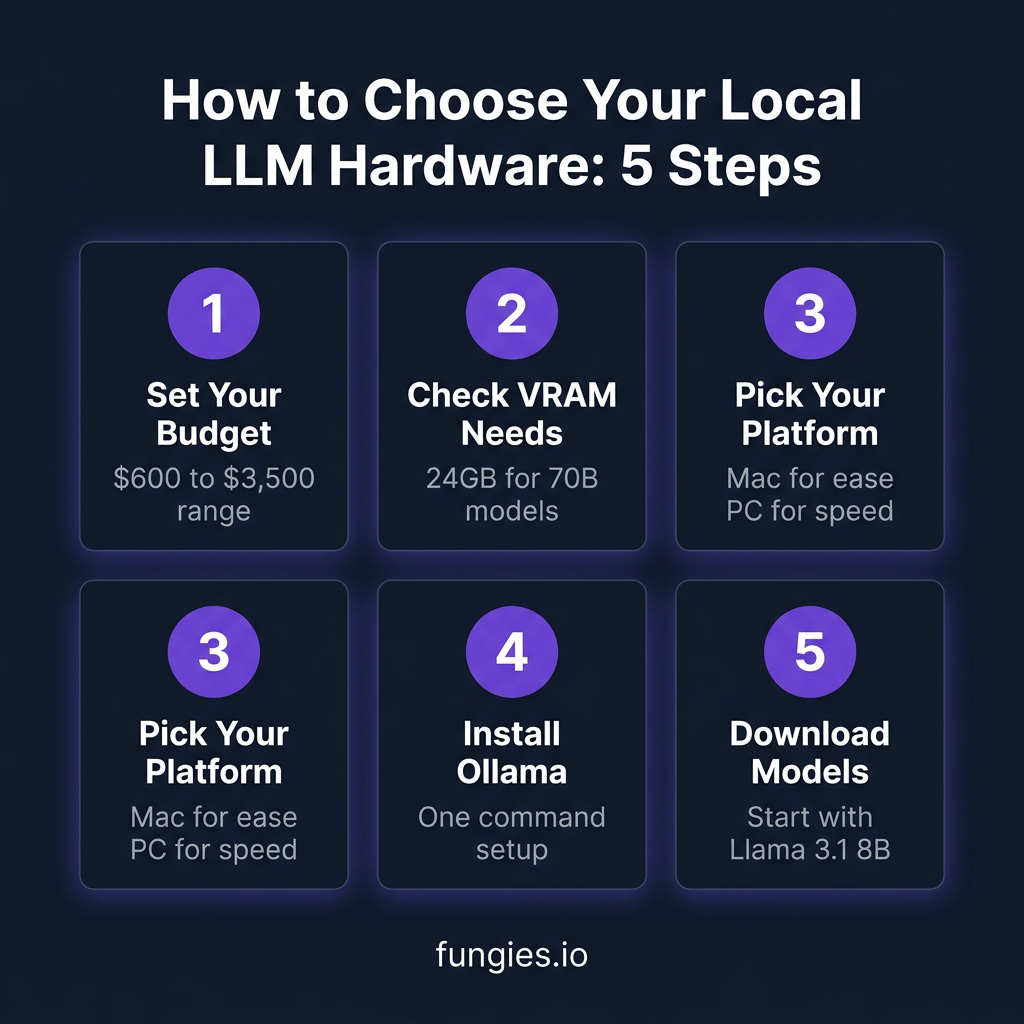
Mac or PC for local LLMs?
Mac for ease-of-use and efficiency; PC for maximum performance and upgradeability.
What’s the minimum viable setup?
Mac Mini M4 24GB or any PC with 16GB+ VRAM GPU.
Conclusion
Running local LLMs in 2026 is more accessible than ever. Whether you’re spending $600 or $3,000, there’s a setup that fits your needs. The key is matching your hardware to your use case—and understanding that 24GB VRAM is the threshold where local AI becomes truly practical.
Ready to start accepting payments for your AI-powered SaaS? Get started with Fungies — the Merchant of Record platform built for developers.
References
- Local LLM Inference in 2026: Complete Guide – Starmorph
- Definitive Guide to Local LLMs 2026 – SitePoint
- Mac Mini M4 Local LLM Benchmarks – Like2Byte
- Best Mac Mini for Local LLMs – Starmorph
- Best Open-Source LLM Models 2026 – HuggingFace
- How to Run LLMs Locally with Ollama – Tech Insider
- Local LLM vs Claude Coding Benchmark – Kunal Ganglani
- Local LLM Limitations vs Cloud – PromptQuorum