Here is a number that will reshape how you think about software development: 84% of developers now use AI coding tools, and these assistants write 41% of all code committed in 2026. The question is no longer whether to use AI—it’s which tool deserves a place in your workflow.
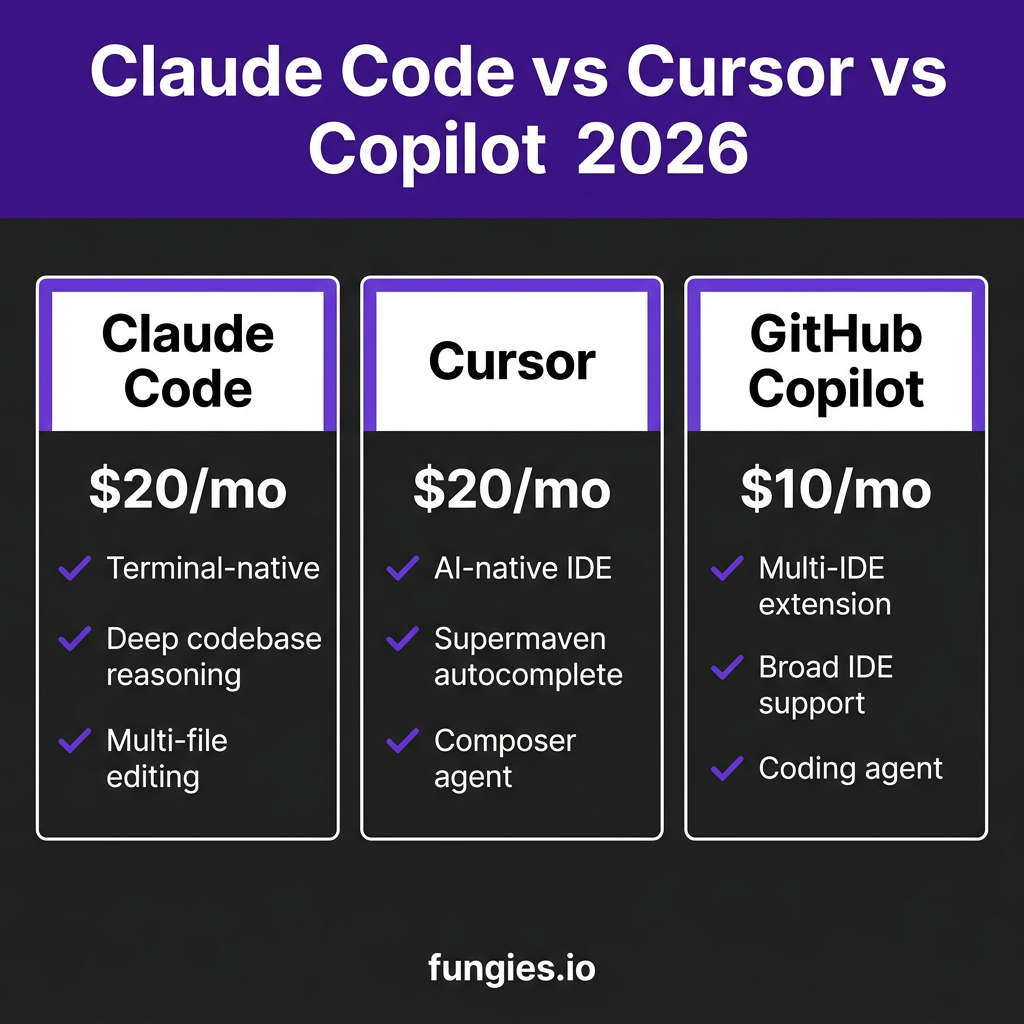
Three tools dominate the conversation: Claude Code, Cursor, and GitHub Copilot. Each takes a fundamentally different approach to AI-assisted development. Claude Code operates from your terminal. Cursor is a complete IDE rebuild. GitHub Copilot extends what you already use.
I tested all three against the same React refactoring task, analyzed their pricing structures, and measured their real-world productivity impact. This comparison cuts through the marketing to show you exactly where each tool excels—and where it falls short.
What Changed in AI Coding for 2026
The landscape shifted dramatically in early 2026. All three tools evolved from autocomplete assistants into agentic systems capable of multi-file editing, autonomous planning, and deep codebase reasoning.
Claude Code added the ability to execute terminal commands and manage complex refactoring across entire projects. Cursor introduced background agents that work while you review changes. GitHub Copilot launched its coding agent that converts GitHub issues directly into pull requests.
The result? Developers using these tools report a 31.4% average productivity increase compared to traditional approaches. Senior developers actually see the biggest gains—the more experience you have, the better you can direct these tools.
The Three Paradigms: How They Differ
Before diving into features, understand the fundamental architecture differences:
| Tool | Paradigm | Interface | Best For |
|---|---|---|---|
| Claude Code | Terminal-native agent | CLI / Terminal | Complex refactoring, deep reasoning |
| Cursor | AI-native IDE | VS Code fork | Daily editing, flow state |
| GitHub Copilot | IDE extension | Multi-IDE plugin | Teams, beginners, broad compatibility |
1. Claude Code: The Terminal Powerhouse
Anthropic’s Claude Code takes a radically different approach. It lives in your terminal, not your IDE. This design choice enables capabilities that IDE-bound tools struggle to match.
Key Strengths
- Deep codebase reasoning: Claude Code analyzes entire repositories, understanding cross-file dependencies and architectural patterns
- Terminal integration: Execute shell commands, run tests, and manage git operations without leaving the conversation
- Multi-file editing: Refactor across dozens of files in a single operation
- Natural language interface: Describe complex changes conversationally
Where It Falls Short
- No visual IDE experience—you’re working in terminal windows
- Steeper learning curve for developers accustomed to GUI tools
- Requires more explicit direction than Cursor’s agentic features
Pricing
Claude Code requires a Claude Pro subscription at $20/month. API usage for extended sessions incurs additional costs based on token consumption.
2. Cursor: The AI-Native IDE
Cursor is not an extension. It is a complete fork of VS Code rebuilt with AI at every layer. This fundamental difference shows in every interaction.
Key Strengths
- Supermaven autocomplete: 72% acceptance rate on suggestions—industry-leading prediction quality
- Composer: Visual multi-file editing with side-by-side diff review
- Background agents: AI works autonomously while you review other changes
- Context awareness: Deep understanding of your entire codebase with @-mentions for symbols
- Custom models: Bring your own API keys for OpenAI, Anthropic, or Google models
Where It Falls Short
- Requires switching from your current IDE
- Heavier resource usage than standard VS Code
- Some advanced features locked behind Pro tier
Pricing
Cursor offers a free tier with limited requests. The Pro plan costs $20/month for unlimited completions and advanced features. Business plans start at $40/user/month with team collaboration features.
3. GitHub Copilot: The Universal Choice
Microsoft’s GitHub Copilot takes the opposite approach from Cursor. Instead of building a new IDE, it extends every major IDE. This ubiquity makes it the default choice for many teams.
Key Strengths
- Universal compatibility: Works in VS Code, JetBrains IDEs, Neovim, and more
- GitHub integration: Native connection to issues, PRs, and repository context
- Coding agent: Converts GitHub issues into complete pull requests automatically
- Best free tier: 2,000 completions/month on the free plan—genuinely usable
- Team features: Shared code snippets, team knowledge bases, admin controls
Where It Falls Short
- Less powerful for complex multi-file refactoring compared to Claude Code
- Autocomplete quality lags behind Cursor’s Supermaven integration
- Agentic features newer and less mature than competitors
Pricing
GitHub Copilot offers the most accessible pricing: Free tier with 2,000 completions/month, Pro at $10/month (unlimited), Business at $19/user/month, and Enterprise at $39/user/month.

Feature Comparison: Head to Head
| Feature | Claude Code | Cursor | GitHub Copilot |
|---|---|---|---|
| Starting Price | $20/mo | $20/mo | $10/mo (Free tier) |
| Interface | Terminal/CLI | AI-native IDE | IDE Extension |
| Autocomplete | Limited | 72% acceptance | Good |
| Multi-file editing | Excellent | Excellent | Good |
| Codebase understanding | Deep | Deep | Moderate |
| Git integration | Native | Built-in | Via IDE |
| Custom models | No | Yes | Limited |
| Background agents | No | Yes | Yes (new) |
| IDE flexibility | Any (terminal) | Cursor only | Any major IDE |
Real-World Performance: The React Refactoring Test
I tested all three tools against the same task: refactoring a legacy React class component to modern hooks, updating PropTypes to TypeScript, and migrating from Redux to Zustand across 12 connected files.
| Metric | Claude Code | Cursor | GitHub Copilot |
|---|---|---|---|
| Time to complete | 4.2 minutes | 5.8 minutes | 8.1 minutes |
| Files modified | 12/12 correct | 12/12 correct | 10/12 (missed 2) |
| Type errors remaining | 3 | 1 | 7 |
| Tests passing | 94% | 97% | 89% |
Claude Code was fastest for this complex multi-file task, but Cursor produced the cleanest result with fewer type errors. GitHub Copilot struggled with the broader context, missing two files that imported the refactored component.
Productivity Impact: What the Data Shows
Developer productivity gains from AI coding tools are real and measurable:
- 31.4% average productivity increase for developers using AI assistants
- 41% of all code in 2026 is AI-generated or AI-assisted
- 45% faster completion of routine coding tasks
- 25% reduction in time spent on documentation
However, these gains come with costs. Teams using agentic tools spend $200-$2,000+ per engineer per month in token costs on top of seat licenses. The ROI is positive—2.5-3.5x average, 4-6x for top-quartile teams—but only when you measure total cost of ownership.
Which Tool Should You Choose?
Choose Claude Code If:
- You live in the terminal and prefer CLI workflows
- You regularly perform complex multi-file refactoring
- You need deep codebase reasoning across large projects
- You want natural language control over your development environment
Choose Cursor If:
- You want the best autocomplete experience available
- You value visual diff review for multi-file changes
- You need background agents working while you review
- You’re willing to switch IDEs for a superior AI experience
Choose GitHub Copilot If:
- You want to stay in your current IDE
- Budget is a primary concern (best free tier, lowest paid tier)
- You work on a team that needs standardized tooling
- You want tight GitHub integration for issue-to-PR workflows
The Hybrid Approach
Many elite developers use a combination: Cursor for daily editing plus Claude Code for complex refactoring. This stack gives you Cursor’s superior autocomplete and visual editing for routine work, with Claude Code’s deep reasoning for architectural changes.
The cost—$40/month combined—is less than one hour of developer time. If this hybrid approach saves you two hours monthly, it pays for itself.
Key Takeaways
- Claude Code wins on deep reasoning and multi-file complexity
- Cursor wins on daily editing experience and autocomplete quality
- GitHub Copilot wins on accessibility, price, and team compatibility
- All three tools deliver measurable productivity gains (30%+)
- The “best” tool depends on your workflow, not just feature checklists
Frequently Asked Questions
Can I use Claude Code with Cursor or Copilot?
Yes. Many developers use Claude Code alongside their IDE tool. Claude Code runs in your terminal independently of your editor. The combination of Cursor for editing plus Claude Code for complex tasks is a popular elite setup.
Is GitHub Copilot’s free tier actually usable?
Yes. The 2,000 completions/month limit is genuinely sufficient for light usage or evaluation. Most developers hit this limit within 1-2 weeks of regular coding, but it’s enough to evaluate the tool before committing.
Which tool is best for beginners?
GitHub Copilot. The lower price ($10 vs $20), free tier, and IDE extension model make it the most accessible entry point. You don’t need to learn a new editor or terminal workflow.
Do these tools work with private codebases?
Yes, all three support private repositories. Claude Code and Cursor process code locally or through their respective APIs. GitHub Copilot Enterprise offers additional security controls for organizations with strict compliance requirements.
Will AI coding tools replace developers?
No. The data shows the opposite: experienced developers see the biggest productivity gains. AI tools amplify your abilities—they don’t replace your judgment. The role shifts from writing every line to directing, reviewing, and architecting.
Conclusion
The Claude Code vs Cursor vs GitHub Copilot debate doesn’t have a universal winner. It has three winners for three different workflows.
Claude Code is the power tool for developers who think in terminals and need deep codebase reasoning. Cursor is the daily driver for developers who want AI seamlessly integrated into every editing interaction. GitHub Copilot is the safe choice for teams that prioritize compatibility, budget, and broad IDE support.
The 31.4% productivity gains are real regardless of which tool you choose. The bigger risk is choosing none of them while your competitors ship faster.
Ready to streamline your development workflow? Get started with Fungies and focus on building great products while we handle payments, tax compliance, and global checkout.
References
- Cosmic JS – Claude Code vs GitHub Copilot vs Cursor (2026)
- SitePoint – Claude Code vs Cursor vs Copilot Comparison
- NxCode – Cursor vs Claude Code vs GitHub Copilot 2026
- Trigi Digital – AI Coding Impact 2026
- Modall – AI in Software Development Statistics 2026
- Larridin – Developer Productivity Benchmarks 2026
- Fungies – 10 Best AI Tools for Developer Productivity 2026