Standing up a web shop for a game you have already shipped
This is the build in the order you will actually do it: what goes in the catalogue, how a purchase gets attached to a player, how the thing they bought reaches them, and what has to be true before you accept a real card. The argument for having a web shop at all lives on the game keys web shop page. This one assumes you are already convinced and have been handed the work.














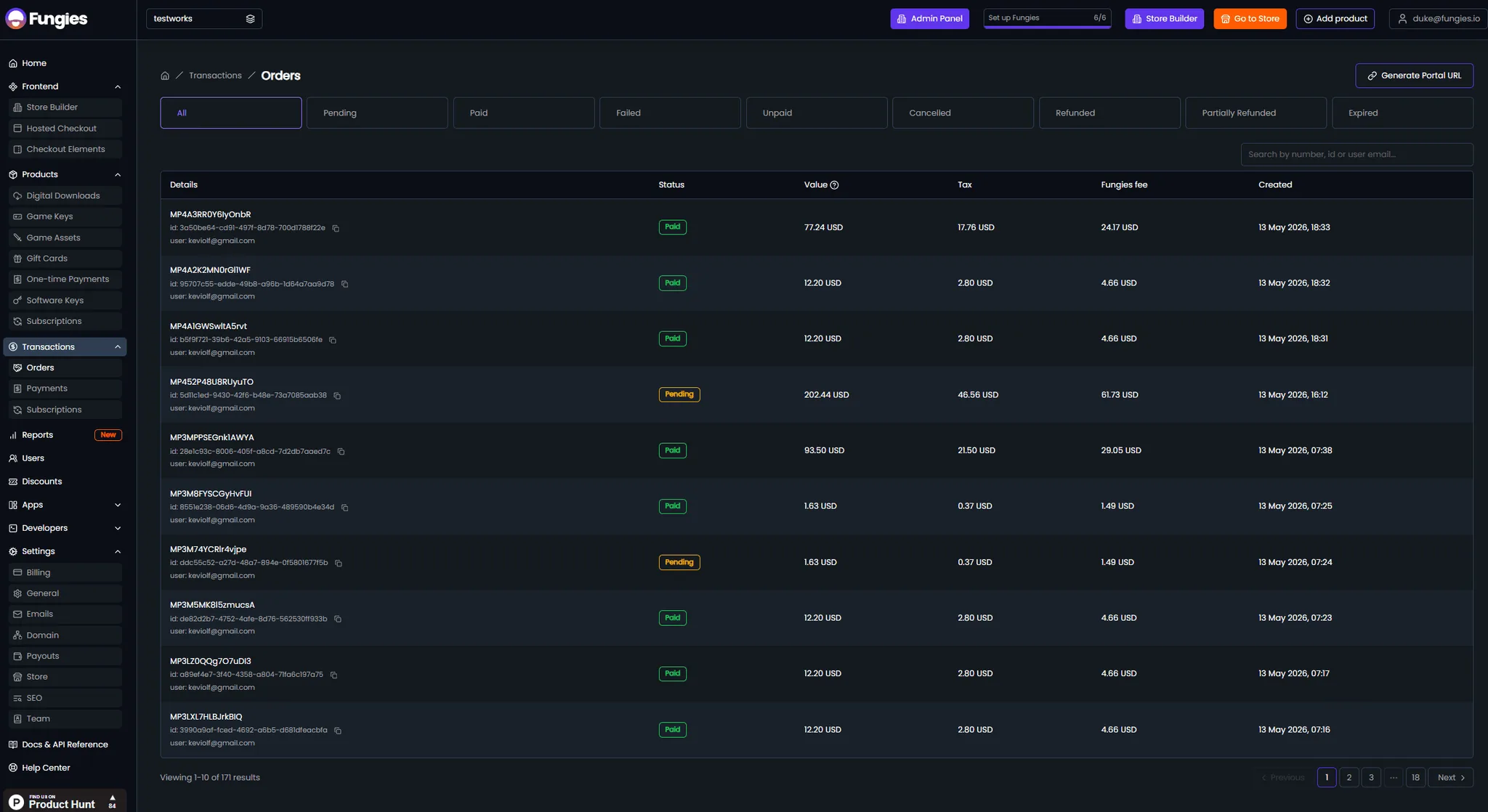
The pieces you will be assembling
- Products, variants and offers
- A product is the thing, a variant is a version of it, and an offer is a purchasable price configuration. Standard, deluxe and soundtrack editions belong on one product with three variants rather than as three separate products competing in search.
- Keys as a product type of their own
- Game keys are a first-class type. Upload a batch, and they are encrypted on upload, held until a purchase releases one, then emailed to the buyer. Nothing about that path needs code from you.
- Entitlements, which are not files
- Currency, items and passes have nothing to download. The product exists so there is something to buy; the delivery is your own backend granting the thing when it is told a payment succeeded.
- Custom checkout fields
- Extra fields on the checkout for identifying the buyer in your own system. This is how a player ID or account name travels with the order instead of being reconstructed later from an email address.
- Three ways to put a checkout on a page
- A hosted link, an overlay opened from your own page, or an embedded frame. HTML data attributes cover a drop-in button, and there is a JavaScript SDK, the fungies.js package, a React example and a Next.js integration guide for anything more involved.
- A sandbox that behaves like production
- Full sandbox mode plus test payments, so every product type can be bought, delivered and refunded before you go anywhere near a real card.
The build, in order
- 01
Model the catalogue before you build anything
Decide what one purchase is. A key, a currency pack, a bundle, a recurring pass — each implies a different delivery path, and getting the product, variant and offer shape right at this point saves rebuilding the shop later. A free product is a cheap way to test the whole path with nothing at stake.
- 02
Decide how you will know who bought
Either the player identifies themselves at checkout through a custom field, or you match on the email address they use in-game and accept that some will not match. Validate the identifier while the player is still on the page if your API can. The alternative is a support queue of paid orders nobody can attach to an account, and that queue never gets shorter on its own.
- 03
Wire delivery to the payment webhook
Keys deliver themselves. Entitlements need your backend subscribed to payment success, and to the refunded and failed events as well, so access is withdrawn when a payment reverses. Grant from the server on the event, never from a client callback — that is the path an exploit takes.
- 04
Rehearse, then open the doors
Run a purchase of every product type in sandbox, check what the buyer sees in the portal afterwards, then connect a payout account and publish. The store goes live on a Fungies subdomain immediately, or on your own domain once it is routed through Cloudflare.
Decisions worth making early
Keys and entitlements are two different builds
A shop that only sells keys needs no backend work at all — upload, price, publish. A shop that grants in-game items needs a webhook consumer, an identity story and a revoke path. Teams routinely scope the first and then discover they are doing the second.
Identity is where this usually goes wrong
The characteristic failure is not a payment problem. It is a completed order that cannot be matched to an account, because the checkout collected an email the player does not use in the game. Solve that on the page, before the money moves.
Refunds have to reach the game too
Granting on purchase is half the integration. If a refund or chargeback leaves the item in the account, you have built a way to acquire content for free, and word of that travels quickly in a live game's community.
Going live is a payout question, not a code question
The shop can be finished days before the first payment can be received, because verification and payout onboarding have their own timeline. Start that early rather than treating it as the last checkbox on launch day.
What sellers say once they have switched
 Vadim Finayev
 “We work with quite a few merchants of record, but none comes close to the support and speed of implementation of Fungies. If you want a payment partner that actually gives you the feeling they want to work with you — rather than leaving you on read for three days or randomly restricting your account — you are in the right place.”
 David Elliott
 “I researched the options and Fungies was the best fit for functionality and customisation within a store builder you can connect to your own domain. Taking a small percentage of sales, instead of charging a subscription for every environment and plugin, is refreshing.”
 Elnura Abdimanap Kyzy
 “The platform is user-friendly, integrates easily with APIs and webhooks, and simplifies managing digital products and subscriptions. We were up and running quickly and support has been responsive throughout. Fungies is clearly tailored to the needs of SaaS businesses.”
 Francisco Magnone Rienzi
 “Fungies has been a great partner — fast setup, competitive pricing, and real humans providing quick answers. They are constantly rolling out new features, and I am excited to see what is next.”
Questions that come up during the build
Selling to players without a marketplace in the middle.
Start with the catalogue, not the code
Open the builder, model one product properly, and buy it from yourself in sandbox. The rest of the build follows from what that first purchase tells you.